
Equipment
Q&A: Building a launch monitor at home from scratch


If you spend any time on golf TikTok, you may have come across Coleman Rollins documenting one of the more ambitious DIY projects in the space: building a home golf launch monitor completely from scratch.
With regular real-time video updates shared with his 11,000+ followers, Coleman has built a dedicated audience to see just how far you can push a garage build when curiosity, persistence, and a bit of engineering obsession collide.
I caught up with Coleman for a quick Q&A to dig into the realities behind the project: the time invested, the true cost, the technical challenges, and the advice he’d give to GolfWRXers tempted to try something similar themselves.
@colemangolfs (Reupload) Part 16 – building a launch monitor. Did we just do this??? #diy #golfgear #diyproject #golftok #golf @Foresight Sports @Bushnell Golf @Garmin Official ? original sound – Coleman Rollins
Gianni: What made you decide to try and build your own home simulator instead of buying one?
Coleman: I was going through a cycle every 3-5 months of wanting to buy a launch monitor. Every time I went to look back over the options, every single one had a downside. Either too expensive, requires a subscription, or doesn’t have the metrics I wanted. Not only that, but they all have proprietary software that is often pretty bad. With my background as a software engineer, I decided to just give it a shot and see what happens.
Gianni: How daunting was it at the start, figuring out all the parts you’d actually need?
Coleman: It was really daunting at first, since I knew nothing about hardware projects or radars! But thanks to the power of AI and LLMs, I was able to get a jumpstart on what I might need. It became pretty clear right away that the most cost-efficient and quick-to-start option was a radar-based device (rather than a camera-based).
Gianni: How many total hours are you into this build so far, including the parts that didn’t make the final cut?
Coleman: This is a tough one to estimate, but probably at least 150 hours. I had some PTO left at the end of last year and spent a considerable amount of time every day in December on it.
Gianni: What’s the real all-in cost right now, and how far off is that from your original budget?
Coleman: The all-in cost for the parts currently in use is around $350. I’m really happy with this number. Originally, I wanted to do it for around $200, but I decided early on to go with a nicer radar that cost a bit more, and it has been worth it. I would say another $200 – $300 has been spent on parts that aren’t used, various software-related services, and training machine learning models.

In Part 38, Coleman improved the ball tracking capture from 30 to almost 180 frames per second.
Gianni: What sensing method are you using at the core of the launch monitor, and what trade-offs did that choice force you to accept?
Coleman: The core method is Doppler radar. There’s a lot of debate (including in my comment section) about whether or not the camera is better than the Doppler. Trackman devices are proof that Doppler is a viable high-end option, despite the majority of other high-end launch monitors being camera-based. The biggest tradeoff I have found is that camera-based methods need much more computing power and higher-end hardware. You need very high frame rates to track the ball, and a lot of computing power to process each frame quickly. For one guy on a budget, Doppler was the clear choice.
Gianni: What part of the system is currently limiting the overall accuracy the most?
Coleman: Right now, I’m spending most of my time dialing in the radar. Something cool I have learned is that each moving object has a unique radar frequency. If you make a bunch of swings with a golf club in front of the radar while recording the frequencies you see, you can start to see a pattern in what a swing looks like. Then our job is to get our software to recognize that and process the data.
Gianni: Where do you think most people trying to copy this build would get it wrong?
Coleman: There can be small nuances between various pieces of hardware or small differences in radar models, so that’s something to look out for. But I’ve spent a lot of time documenting everything that people need, steps to get started, and where the code lives, so I hope it will be easy to follow!
Gianni: What’s the biggest piece of advice you’d give to a GolfWRX member inspired to try this themselves?
Coleman: Get in there and go for it! It may require some patience at times, but I have learned so much in the three months I’ve been at it, which has been amazing. All the steps I have taken and the code for the device are all free, so if it’s something that sounds fun and interesting, the tools are there.
@colemangolfs Part 40 – building a launch monitor. Will this be our final form? ??#golf #golftok #golftech #claude ? original sound – Coleman Rollins


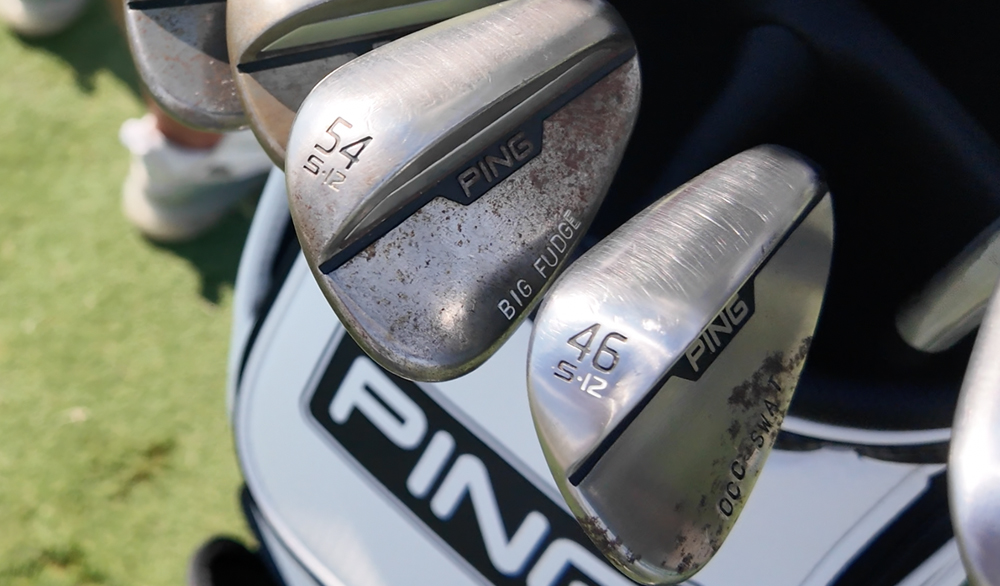
Neal Shipley was the first to admit that he enjoyed his food while in college. But since his days at Ohio State, he’s slimmed down and earned a PGA Tour Card.
That hasn’t stopped him from having fun with his wedge stampings, though it’s led to some misunderstandings.
On the 54 (degree), we have ‘Big Fudge,'” Shipley told GolfWRX. “It was supposed to be ‘Big Fridge,’ so this happened a little while ago. ‘Big Fridge’ was a nickname between my college teammates and I, with ‘fridge’ meaning stomach, a big stomach.
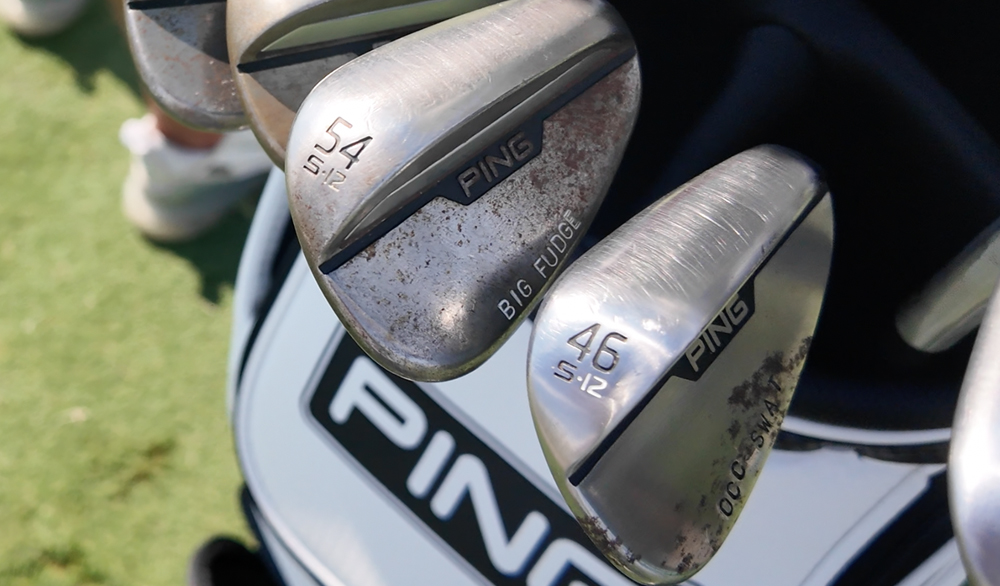
“We told the Ping guys to put … ‘Big Fridge’ on it, and I think maybe some bad cell service or something, and they thought I said ‘fudge,’ so they put fudge on it.”
On Shipley’s 50-degree he also continues the food theme, this time with his go-to order at the “Golden Arches,” and his stamping “DONS 7.”
“The number 7 meal, the two cheeseburger meal, that was my McDonald’s order, back when I would have McDonald’s frequently,” Shipley shared.

At GolfWRX, we are a community of like-minded individuals who all experience and express our enjoyment of the game in many ways.
It’s that sense of community that drives day-to-day interactions in the forums on topics that range from best driver to what marker you use to mark your ball. It even allows us to share another thing we all love – buying and selling equipment.
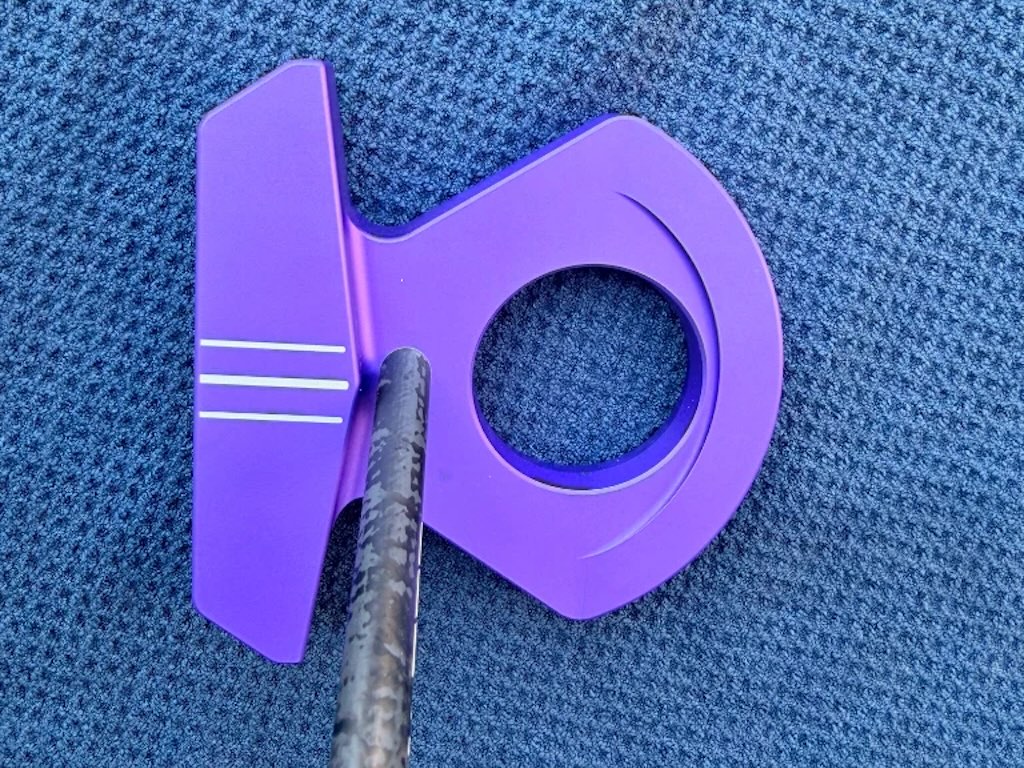
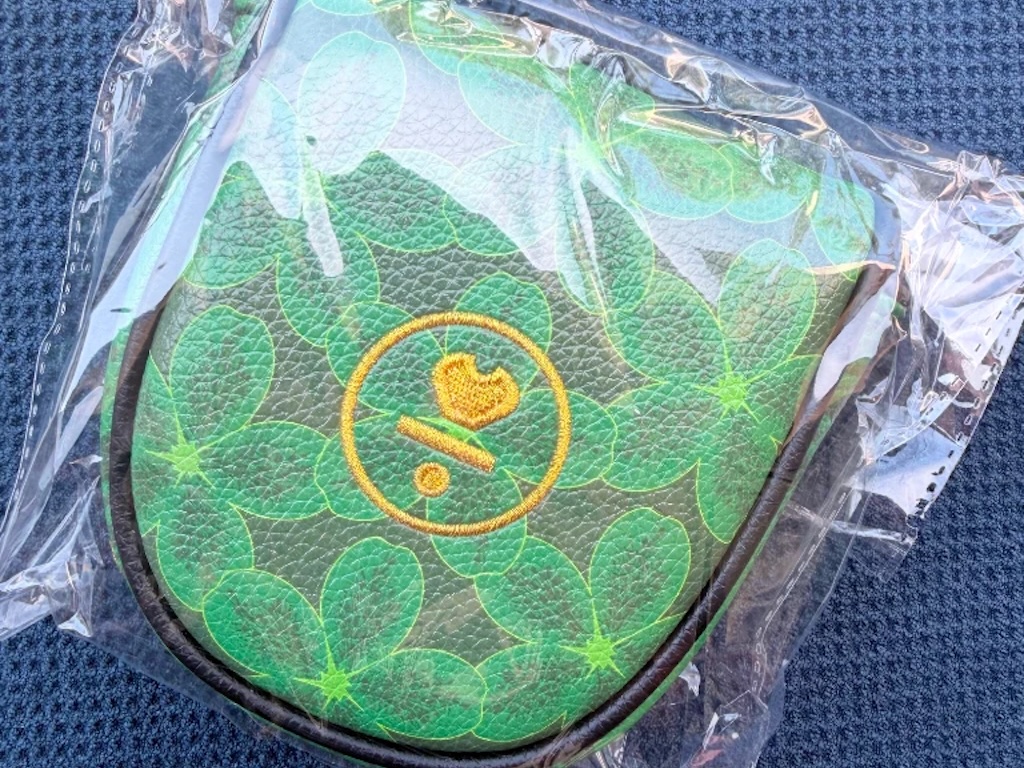
Currently, in our GolfWRX buy/sell/trade (BST) forum, @raw10628 has a L.A.B. DF3 putter and Masters putter cover up for grabs.
From the listing: “Some great items here today, time to thin out and make room for next set of gear. All prices include shipping.
LAB DF3 Purple 33.5” 68° lie with TPT – $725. LAB Masters release DF3 cover – $150.”
To check out the full listing in our BST forum, head through the link. If you are curious about the rules to participate in the BST Forum, you can learn more here: GolfWRX BST Rules

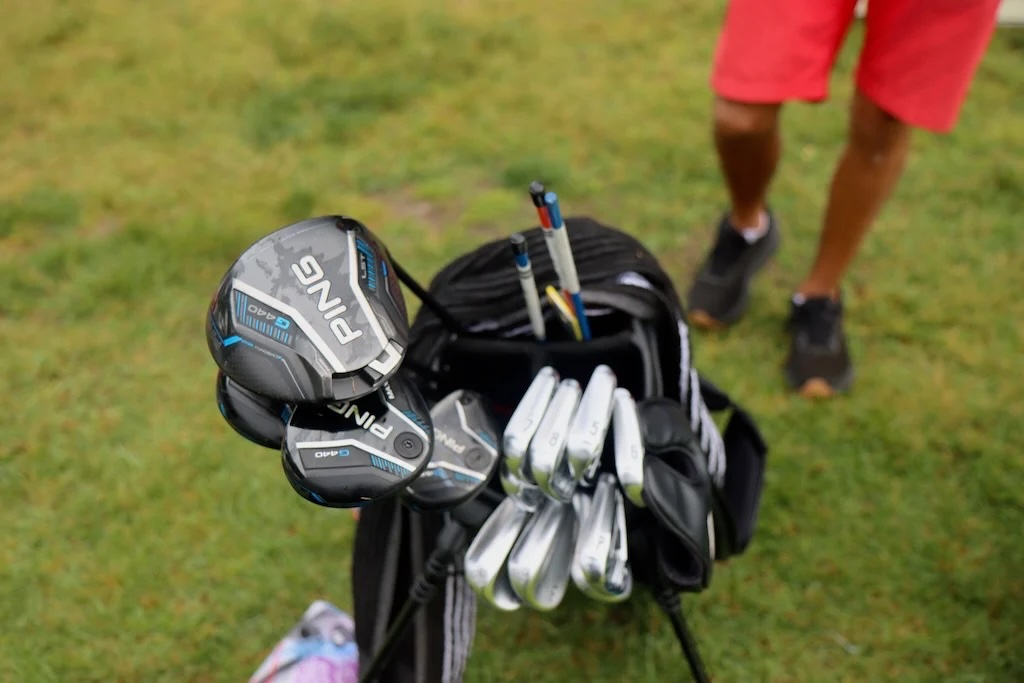
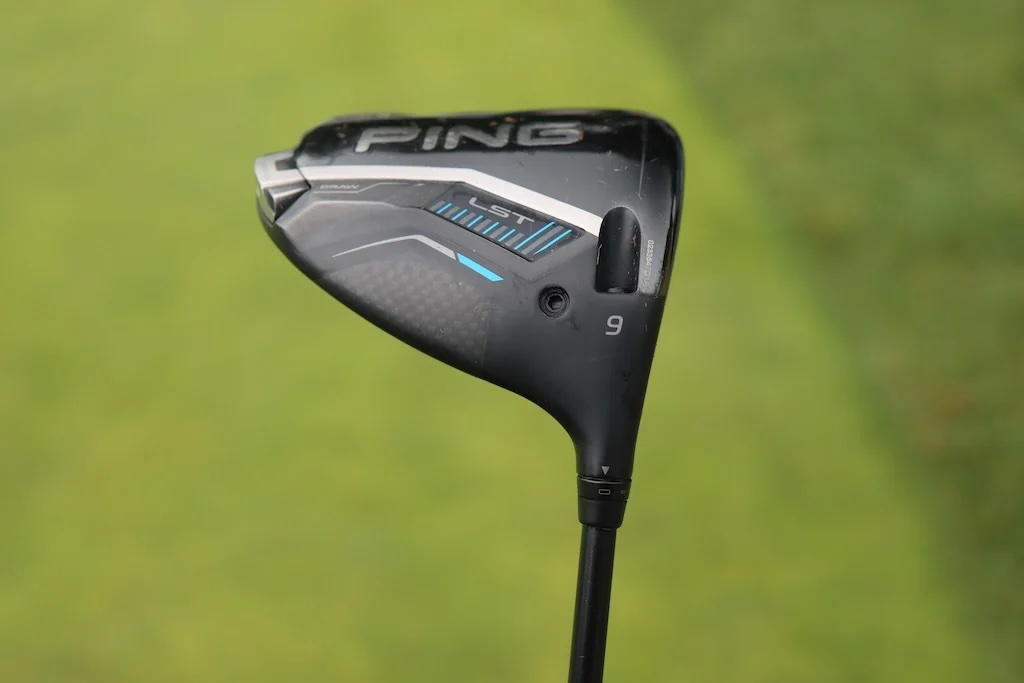
Driver: Ping G440 LST (9 degrees)
Shaft: Accra TourZ Green 5-M4
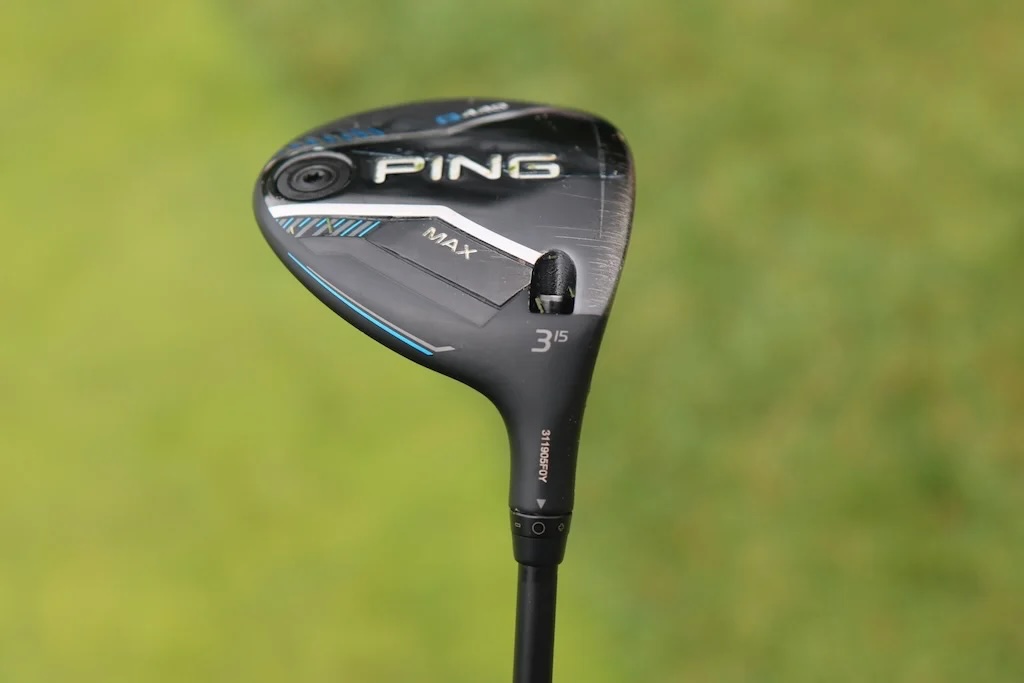
3-wood: Ping G440 Max (15 degrees)
Shaft: Accra TourZ Green 6-M4
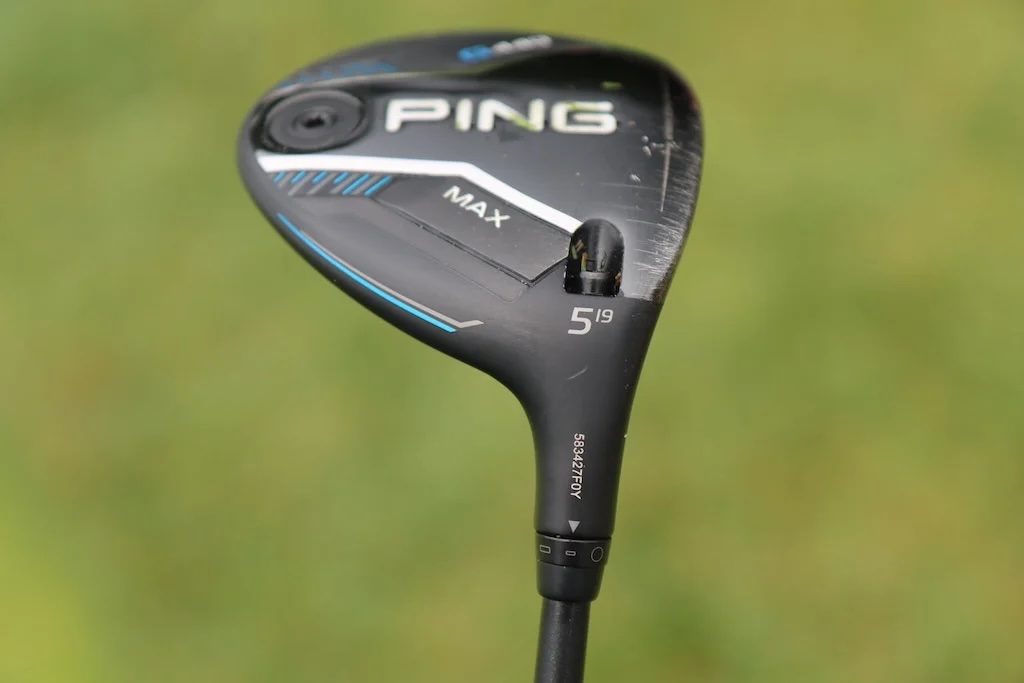
5-wood: Ping G440 Max (19 degrees @18)
Shaft: Accra TourZ Green 6-M4
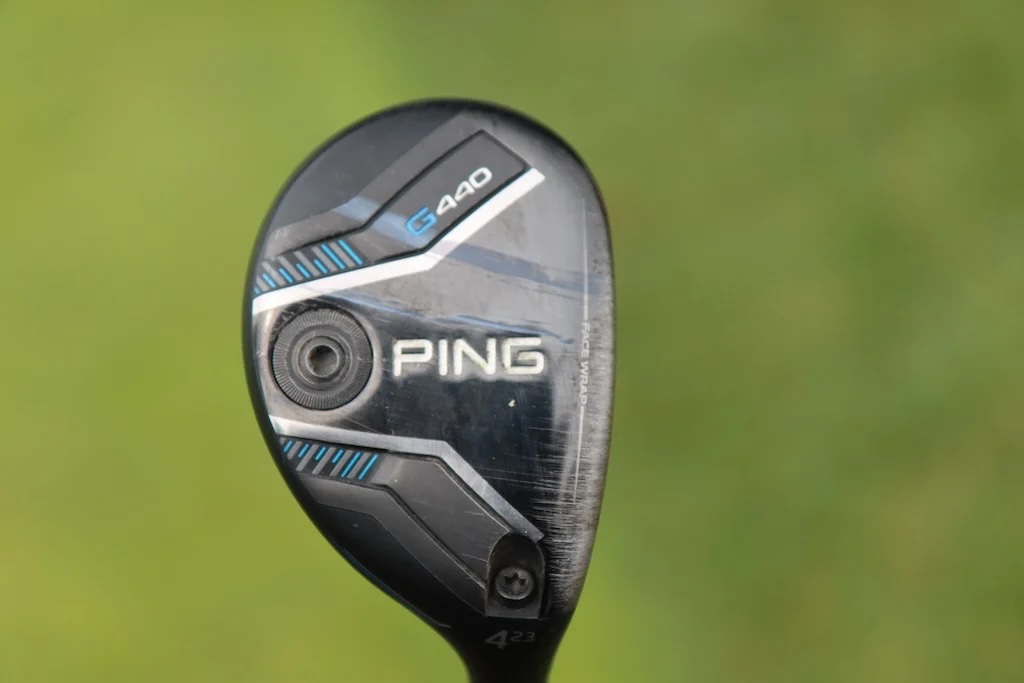
Hybrid: Ping G440 (23 degrees)
Shaft: Oban Isawa Red Hybrid Shaft 04 Flex 70 Gms
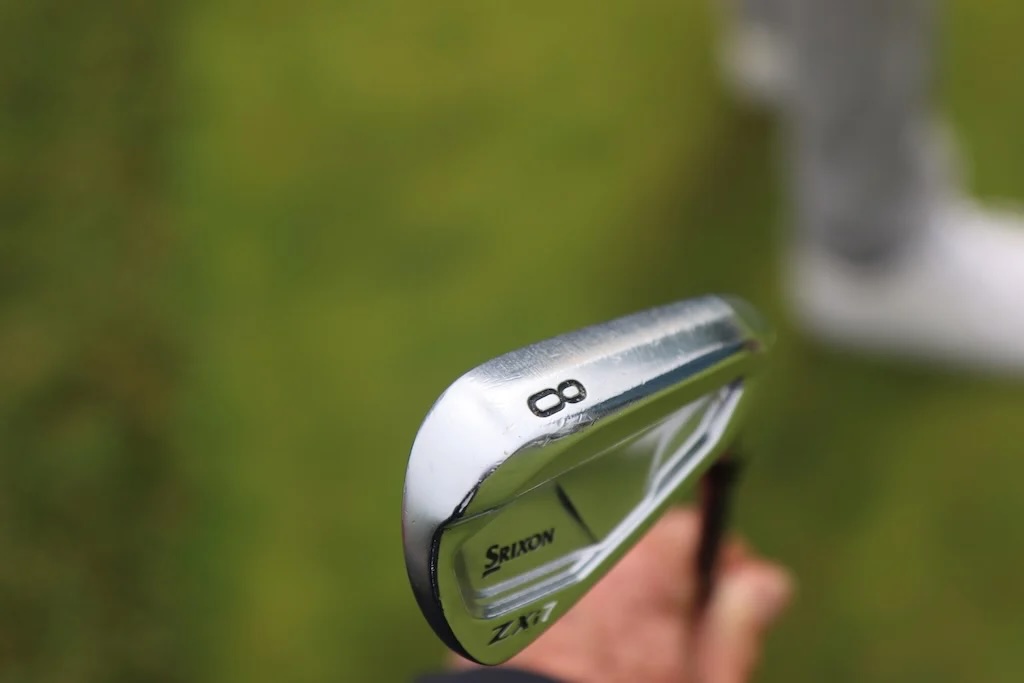
Irons: Srixon ZXi7 (5-P)
Shafts: Aerotech SteelFiber Private Reserve i80
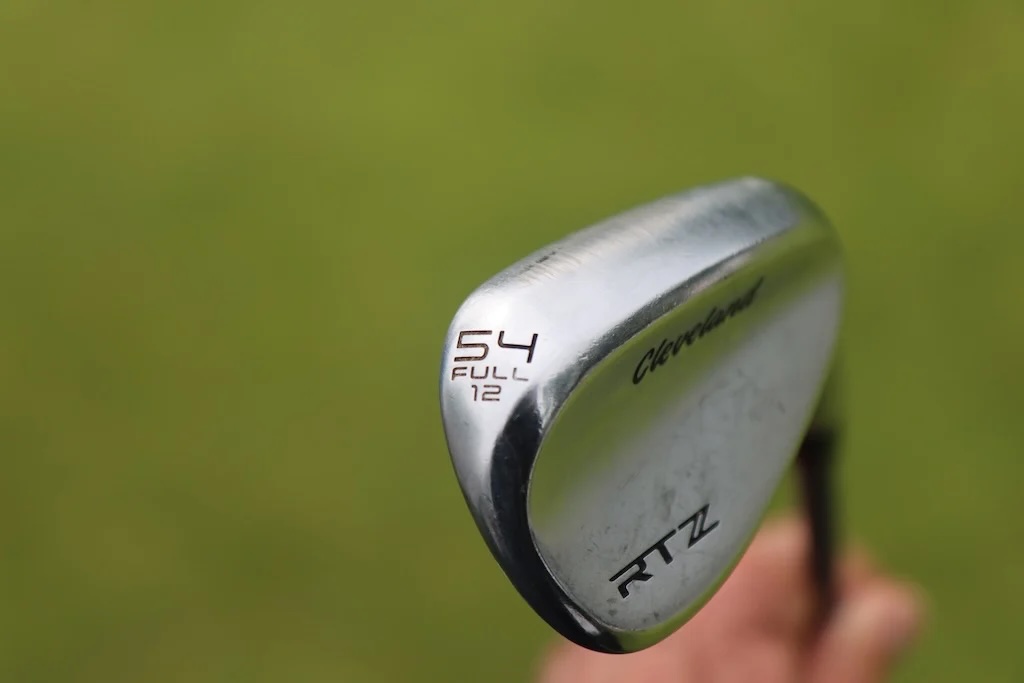
Wedges: Cleveland RTZ (50-MID, 54-FULL, 58-MID)
Shafts: Aerotech SteelFiber Private Reserve i105
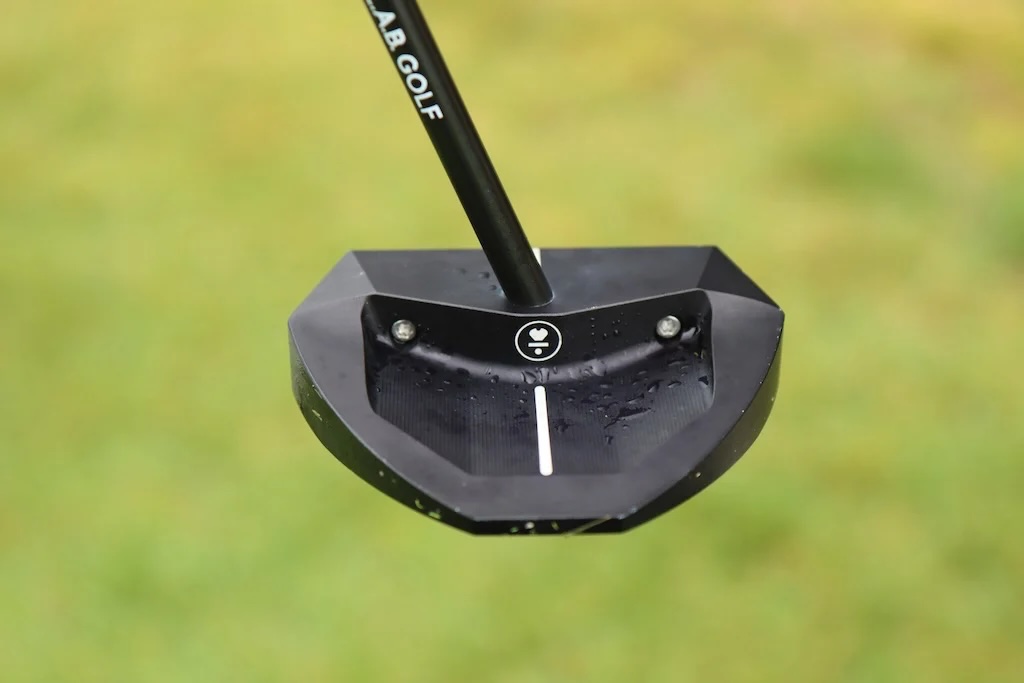
Putter: L.A.B. Golf OZ.1i
Shaft: ACCRA Putter Shaft
Grips: Golf Pride Tour Velvet

Aaron Rai’s winning WITB: 2026 PGA Championship

Russell Henley’s winning WITB: 2026 Charles Schwab Challenge

Photos from the 2026 CJ Cup Byron Nelson

CJ Cup Byron Nelson Tour Report: Koepka and Kim’s newest putters finally get hot

Charles Schwab Challenge Tour Report: MacIntyre, Åberg and Spaun all switch putters, TaylorMade launches new Spider

Details on J.J. Spaun’s surprise putter switch

GolfWRX Launch Report: 2026 Titleist GTS drivers

Photos from the 2026 Charles Schwab Challenge

PGA Championship Tour Report: Fitzpatrick, Koepka among big-name putter switches for Aronimink

Photos from the ShopRite LPGA


Maria Torres WITB 2026 (June)
Driver: Ping G440 LST (9 degrees) Shaft: Accra TourZ Green 5-M4 3-wood: Ping G440 Max (15 degrees) Shaft: Accra TourZ Green 6-M4 5-wood: Ping G440...


Eric Cole WITB 2026 (June)
Driver: PXG Lightning Tour Max (9 degrees) Shaft: Project X Titan Yellow 70 TX 3-wood: TaylorMade Qi4D (15 degrees) Shaft:...


Si Woo Kim WITB 2026 (May)
Driver: Callaway Quantum Triple Diamond (8.5 degrees) Shaft: Fujikura Ventus Black 6 X Mini driver: Callaway Paradym Ai Smoke Mini...


Wyndham Clark’s winning WITB: 2026 CJ Cup Byron Nelson
Driver: TaylorMade Qi4D (10.5 degrees) Shaft: Project X Titan Yellow 60 TX 3-wood: TaylorMade Qi4D Tour (15 degrees) Shaft: Project...


Leftshot
Feb 4, 2026 at 6:07 pm
Is there a Heathkit or Radio Shack kit version in our future?
Coleman
Feb 4, 2026 at 11:41 am
Thanks Gianni for having me!